
Roku Update Glitch Breaking HDMI Inputs (Black Screens & Color Distortions)

Roku Update Glitch Breaking HDMI Inputs (Black Screens & Color Distortions)
admin 2026/07/19 22:32New Roku update causing TV streamers unexpected and frustrating issues.
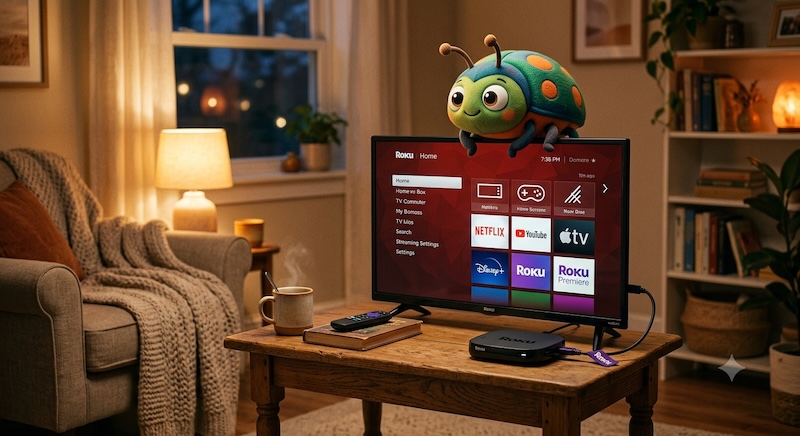
A recent Roku software update has introduced a frustrating bug that is breaking HDMI inputs, particularly on TCL Roku TVs and older Roku TV models.
The glitch triggers a major resolution handshake failure when users try to launch connected devices like PlayStations, Xboxes, or Blu-ray players. Instead of loading the device, the TV displays a "No Signal" black screen, severely squished aspect ratios, or massive green/purple static artifact bars across the display.
The Temporary Fix
The bug is tied to Roku's newly redesigned home screen layout. If you select your device from the new "Quick Access" tiles, it glitches out. To bypass the bug and force the correct resolution:
* Navigate to the Main Menu on the far left of your Roku screen.
* Scroll down and select TV Inputs.
* Launch your HDMI device from this specific menu list instead.
Alternatively, users have found that repeatedly pressing the Star (*) button on the remote or executing a full system restart (`Settings > System > Power > System restart`) will temporarily clear the error.
➤➤➤ SEE MORE
A recent Roku software update has introduced a frustrating bug that is breaking HDMI inputs, particularly on TCL Roku TVs and older Roku TV models.
The glitch triggers a major resolution handshake failure when users try to launch connected devices like PlayStations, Xboxes, or Blu-ray players. Instead of loading the device, the TV displays a "No Signal" black screen, severely squished aspect ratios, or massive green/purple static artifact bars across the display.
The Temporary Fix
The bug is tied to Roku's newly redesigned home screen layout. If you select your device from the new "Quick Access" tiles, it glitches out. To bypass the bug and force the correct resolution:
* Navigate to the Main Menu on the far left of your Roku screen.
* Scroll down and select TV Inputs.
* Launch your HDMI device from this specific menu list instead.
Alternatively, users have found that repeatedly pressing the Star (*) button on the remote or executing a full system restart (`Settings > System > Power > System restart`) will temporarily clear the error.
➤➤➤ SEE MORE
Last modified by admin 2026/07/19 22:35

Suggested Topics
6.1K
0
admin
started DIRECTV + DISH = Finally Happening! 🎉
At Ease
admin
started Disney to Take Full Control of Hulu!
At Ease
1.6K
0