
Prime Not So Prime - Ads Start Jan 29. To Turn Off Prime Video Ads Will Cost an Extra $2.99

Prime Not So Prime - Ads Start Jan 29. To Turn Off Prime Video Ads Will Cost an Extra $2.99
admin 2023/12/26 23:01Amazon Prime Video's New Ad Rollout Sparks Controversy: $2.99 Opt-Out Fee Stirring Debate Among Subscribers.
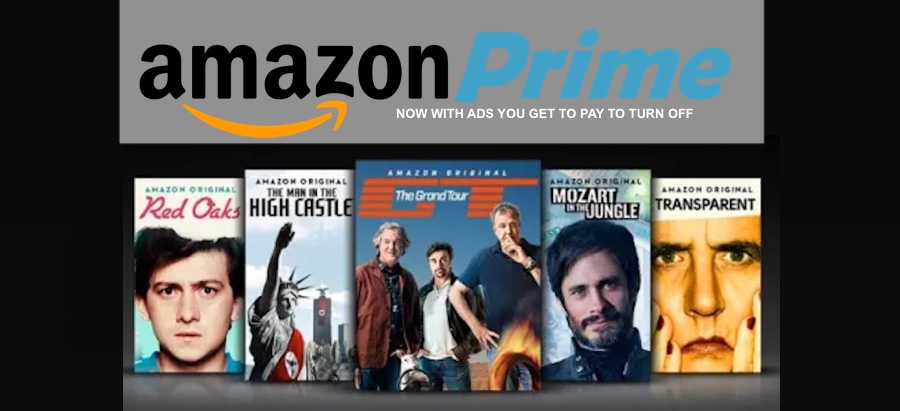
A segment of subscribers might find Amazon's decision to introduce ads on Prime Video, and then offering an option to remove these ads for an additional cost, a bit contentious. While Prime Video has been known for its ad-free streaming experience, the introduction of ads might be disappointing for subscribers who initially signed up for an ad-free service. The optional fee to disable ads could potentially be viewed as an additional cost on top of the Prime subscription fee, altering the value proposition for users.
Seems like a number of Prime users are considering canceling their subscriptions due to the recent news about Prime Video introducing ads and the added $2.99 fee to opt out.
Honestly, paying extra just to avoid ads might make some users think they're better off watching free ad-supported content instead of shelling out more money on their Prime subscription.
It does feel like another instance of a big corporation making changes that could potentially inconvenience their customers, especially when it involves adding fees for what was once a standard feature.
To cancel your Amazon Prime subscription, follow these steps:
Step 1: Go to the Amazon website and log in to your account.
Step 2: Hover over "Accounts & Lists" in the top right corner and select "Your Prime Membership" from the dropdown menu.
Step 3: On the left-hand side, select "End Membership and Benefits."
Step 4: Click on the "End Membership" button on the left-hand side.
Step 5: Amazon will provide information about what benefits you will lose by canceling. Review this information.
Step 6: Confirm your decision by clicking on the "End My Benefits" button.
Please note that if you've subscribed through a third-party service or device, the cancellation steps might differ slightly. Always double-check to ensure your membership has been successfully canceled and that you won't be charged for the next billing cycle.
Consumers have the power to opt out, but will they choose to do so causing Amazon and others charging extra to stream add free? This still remains to be seen. And while the additional $2.99 may not seem all that terribly expensive, how long will this price remain before it is someday creeps up $10.99 or even higher to skip the ads...
A segment of subscribers might find Amazon's decision to introduce ads on Prime Video, and then offering an option to remove these ads for an additional cost, a bit contentious. While Prime Video has been known for its ad-free streaming experience, the introduction of ads might be disappointing for subscribers who initially signed up for an ad-free service. The optional fee to disable ads could potentially be viewed as an additional cost on top of the Prime subscription fee, altering the value proposition for users.
Seems like a number of Prime users are considering canceling their subscriptions due to the recent news about Prime Video introducing ads and the added $2.99 fee to opt out.
Honestly, paying extra just to avoid ads might make some users think they're better off watching free ad-supported content instead of shelling out more money on their Prime subscription.
It does feel like another instance of a big corporation making changes that could potentially inconvenience their customers, especially when it involves adding fees for what was once a standard feature.
To cancel your Amazon Prime subscription, follow these steps:
Step 1: Go to the Amazon website and log in to your account.
Step 2: Hover over "Accounts & Lists" in the top right corner and select "Your Prime Membership" from the dropdown menu.
Step 3: On the left-hand side, select "End Membership and Benefits."
Step 4: Click on the "End Membership" button on the left-hand side.
Step 5: Amazon will provide information about what benefits you will lose by canceling. Review this information.
Step 6: Confirm your decision by clicking on the "End My Benefits" button.
Please note that if you've subscribed through a third-party service or device, the cancellation steps might differ slightly. Always double-check to ensure your membership has been successfully canceled and that you won't be charged for the next billing cycle.
Consumers have the power to opt out, but will they choose to do so causing Amazon and others charging extra to stream add free? This still remains to be seen. And while the additional $2.99 may not seem all that terribly expensive, how long will this price remain before it is someday creeps up $10.99 or even higher to skip the ads...

Suggested Topics
6.1K
0
1.9K
0
admin
started ROKU, AMAZON AND SAMSUNG DOMINATE CONNECTED TV MARKET
At Ease